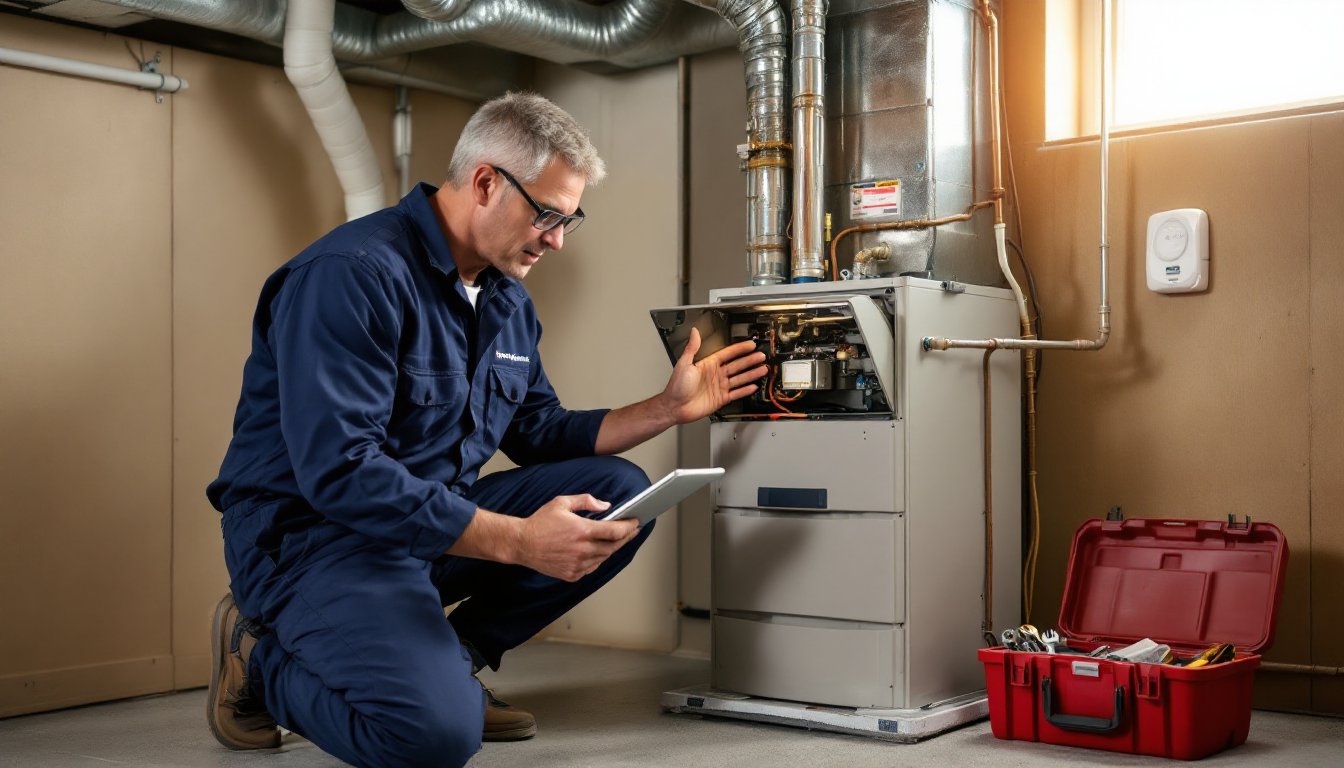
Keeping your HVAC system running smoothly used to mean sticky notes on the calendar and a stack of service receipts stuffed in a drawer. In 2026, homeowners have a better option: HVAC maintenance apps that track filter changes, schedule tune-ups, and store system documentation in one place. These digital tools take the guesswork out of preventive care, helping you avoid costly breakdowns and keep your home comfortable year-round. Whether you’re managing a single furnace or a multi-zone heat pump system, the right app can be the difference between a $50 filter swap and a $3,000 compressor replacement.
Table of Contents
ToggleKey Takeaways
- An HVAC maintenance app automates reminders and tracks service history, helping homeowners prevent costly repairs like $3,000 compressor replacements that stem from skipped maintenance.
- Routine HVAC maintenance reduces energy consumption by 5–15% and extends equipment life by 3–5 years, with annual professional tune-ups costing just $75–$150 compared to major repair bills.
- Look for an HVAC app that offers automated scheduling, service documentation with photo uploads, and integration with smart thermostats to monitor system efficiency and catch issues early.
- Start by logging all existing HVAC documentation into your app, set realistic maintenance intervals based on your climate and household conditions, and log every service to build a defensible warranty record.
- Filter changes are the easiest preventive win—clogged filters cost $300–$600 in blower motor repairs, while timely $5–$15 filter swaps and annual maintenance help extend your system’s life by several years.
- Reviewing your HVAC maintenance app annually like a financial statement helps you spot efficiency trends, plan for equipment replacement, and make informed decisions before emergency breakdowns occur.
What Is an HVAC Maintenance App and Why Homeowners Need One
An HVAC maintenance app is a mobile or web-based tool designed to help homeowners track, schedule, and document heating, ventilation, and air conditioning upkeep. Think of it as a digital logbook combined with a smart reminder system. Instead of remembering when you last changed the air filter or guessing the age of your condensate drain line, the app stores every service date, part number, and contractor note in one searchable place.
Most apps allow users to input system details (make, model, installation date), set custom maintenance intervals, and receive push notifications when tasks are due. Some integrate with smart thermostats or connect directly to HVAC contractors for streamlined scheduling.
Why does this matter? The U.S. Department of Energy estimates that routine HVAC maintenance can reduce energy consumption by 5–15% and extend equipment life by several years. But national surveys show that roughly half of homeowners skip annual tune-ups. An app bridges that gap by automating the nudge to act. For systems covered by manufacturer warranties, many require documented maintenance to remain valid, an app provides the proof you need if a component fails.
For DIY-inclined homeowners, these apps also surface model-specific maintenance steps, like lubricating blower motors or checking refrigerant levels (a task best left to licensed techs, but useful to monitor). For everyone else, they simplify contractor communication by giving you a full service history at your fingertips.
Top Features to Look for in an HVAC Maintenance App
Not all HVAC apps are created equal. Some are glorified to-do lists: others pack in features that rival professional fleet management software. Here’s what separates the useful from the bloatware.
Automated Reminders and Scheduling
The core function of any HVAC app is automated task reminders. Look for apps that let you set intervals by days, months, or runtime hours (if your system tracks operating time). Filter changes typically fall every 30–90 days depending on filter type (fiberglass, pleated, HEPA) and household factors (pets, allergies, construction dust). Bi-annual professional service, once before cooling season, once before heating, is standard for most climates.
Better apps allow custom task creation. Maybe you need to clear the outdoor condenser coils every spring or check the emergency heat strips in your dual-fuel system. You should be able to add those alongside the defaults. Push notifications, email alerts, and in-app badges keep tasks visible without being annoying.
Some apps integrate with your calendar (Google, Apple, Outlook) or sync with digital home management systems so HVAC tasks appear alongside other home upkeep. Scheduling features should also let you book service appointments directly if the app partners with local contractors, handy, but confirm the contractor is licensed and insured before committing.
Service History Tracking and Documentation
A maintenance app is only as good as the records it keeps. The best ones function as a permanent digital file cabinet for your HVAC system. You should be able to log:
- Service dates and technician names
- Parts replaced (compressor, capacitor, blower motor, igniter)
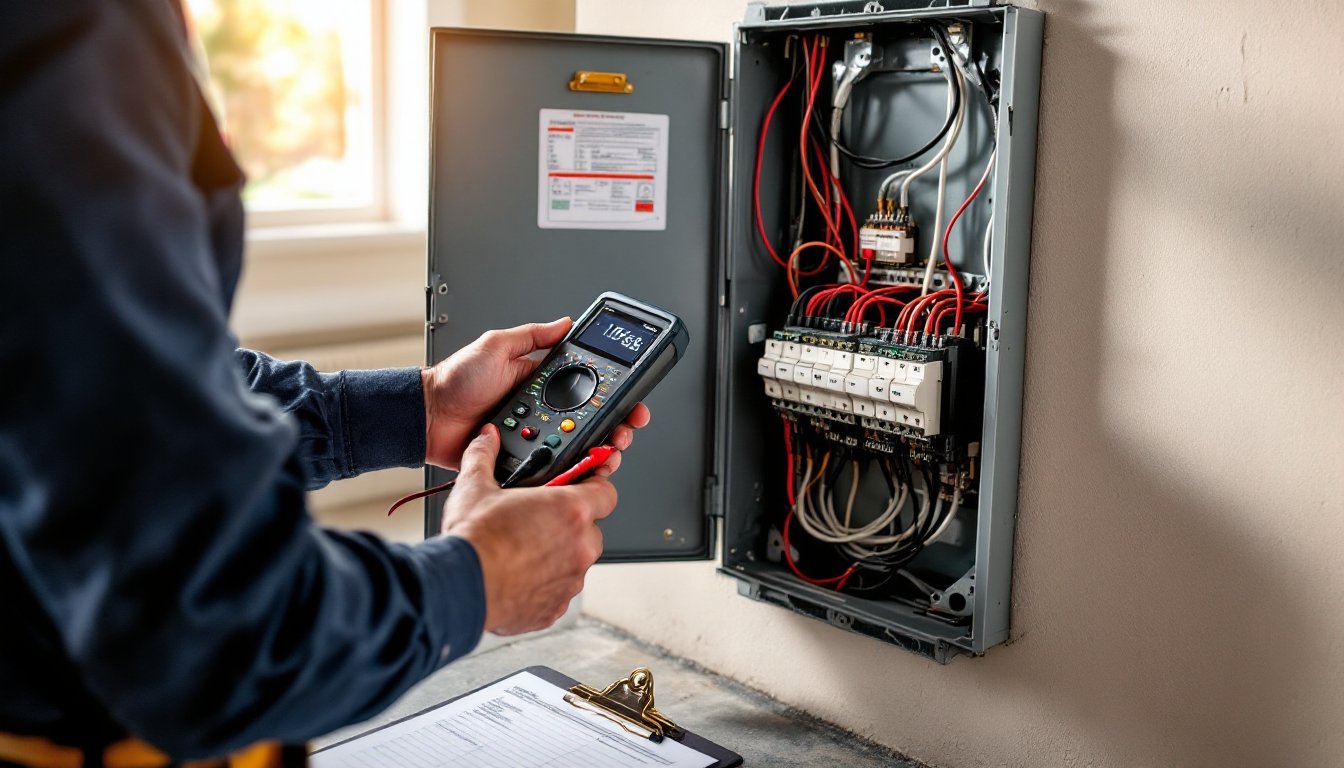
- Measurements taken (static pressure, temperature differential, refrigerant charge)
- Receipts and invoices (photo upload or PDF attachment)
- Warranty information and expiration dates
When you sell your home, a complete maintenance history can increase buyer confidence and justify a higher asking price. If a component fails under warranty, having timestamped records of filter changes and annual cleanings can mean the difference between a free replacement and a denied claim.
Advanced apps let you tag specific equipment if you have multiple systems (upstairs air handler, basement furnace, garage mini-split). They may also generate exportable reports in PDF format, useful for warranty claims or insurance documentation. Cloud backup ensures you won’t lose records if you switch phones.
How HVAC Maintenance Apps Save You Money and Extend System Lifespan
The financial case for using an HVAC maintenance app is straightforward: small investments in upkeep prevent large repair bills. Here’s how the numbers work out.
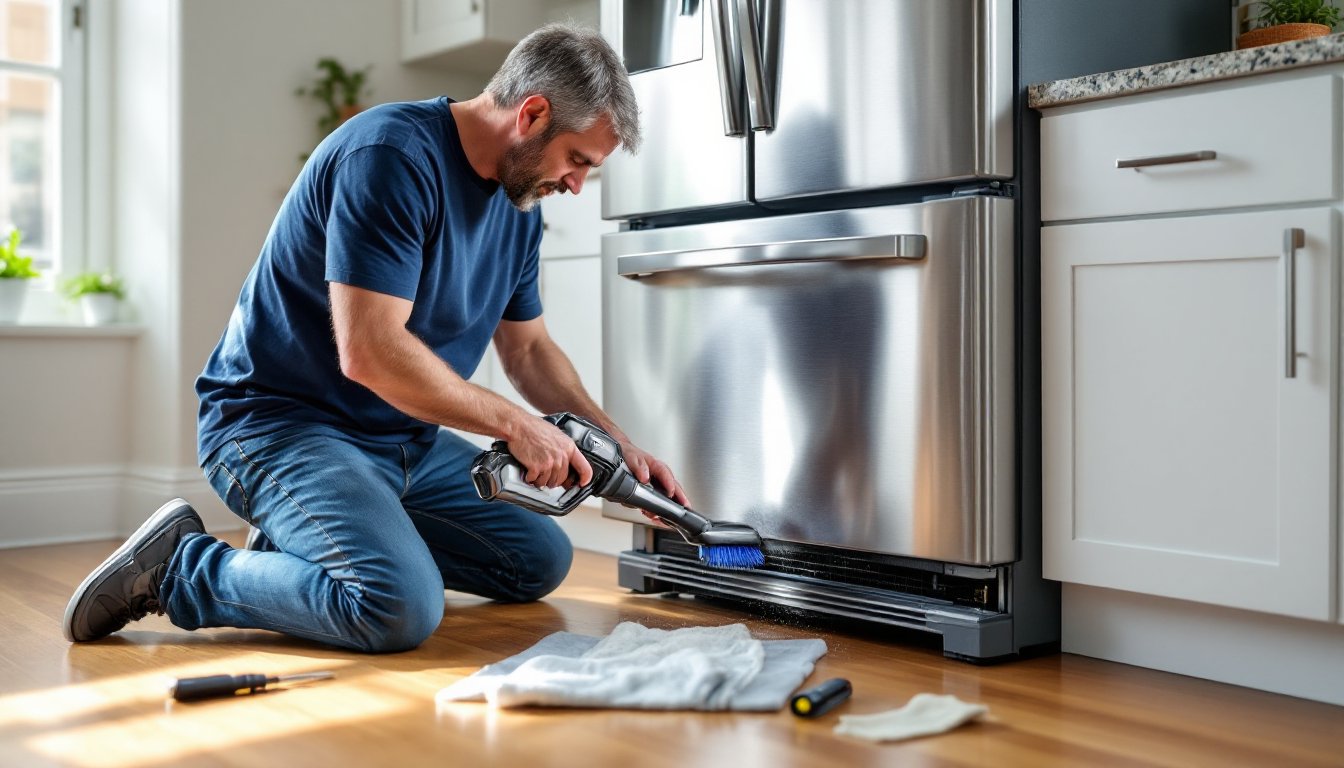
Filter changes are the easiest win. A clogged filter forces your blower motor to work harder, increasing energy use and shortening motor life. Standard 1-inch pleated filters cost $5–$15 and should be swapped every 60–90 days. Miss a few changes and you’re looking at a $300–$600 blower motor replacement. An app reminder ensures this never slips through the cracks.
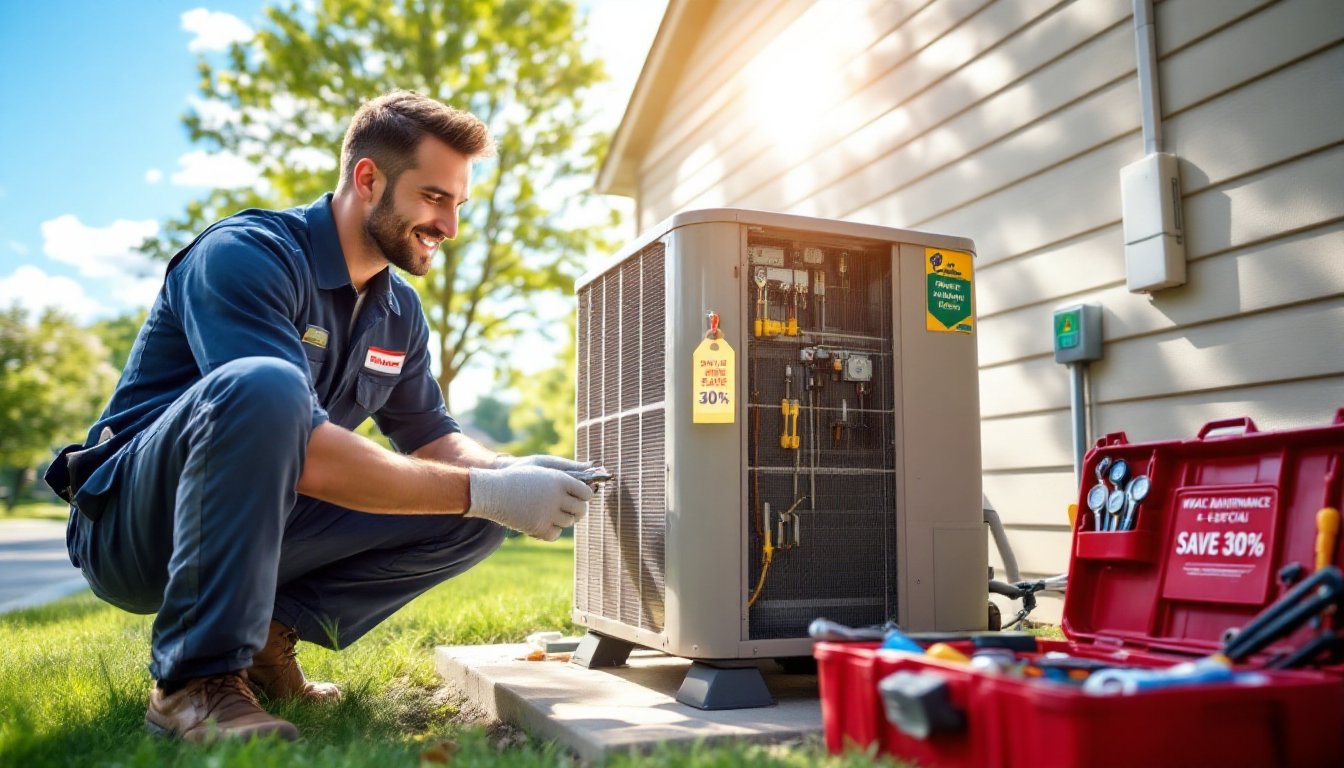
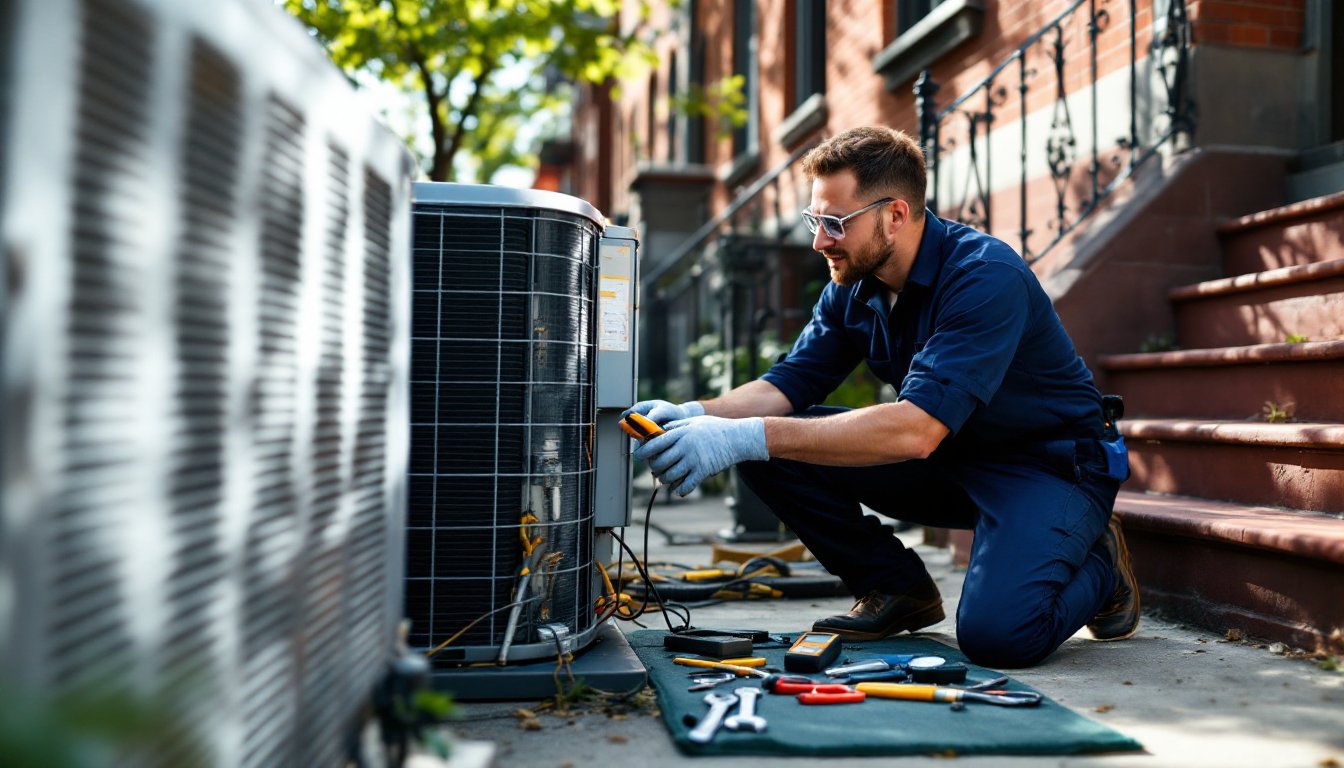
Annual professional maintenance typically runs $75–$150 per visit. During a tune-up, a tech will clean coils, check refrigerant levels, test capacitors, inspect ductwork, and tighten electrical connections. Catching a failing capacitor ($150 part + labor) before it takes out a $1,200 compressor is the kind of save that pays for a decade of tune-ups.
Many structured maintenance routines extend equipment life by 3–5 years. The average residential HVAC system costs $5,000–$10,000 installed. Stretching its useful life from 12 years to 17 years delays that capital expense and spreads depreciation further.
Energy savings are harder to pin down but significant. Dirty coils can reduce heat transfer efficiency by 10–25%, meaning your system runs longer to reach setpoint. Apps that track runtime hours or integrate with smart thermostats can surface efficiency trends, if your system suddenly runs 30% more to maintain the same temperature, you’ve got an issue worth investigating.
Some apps also highlight proven maintenance techniques that improve performance, like sealing duct leaks (which waste 20–30% of conditioned air in many homes) or upgrading to a programmable thermostat. These aren’t strictly HVAC maintenance, but they’re adjacent tasks that compound savings.
Best Practices for Using Your HVAC Maintenance App Effectively
Downloading an app is easy. Using it consistently is where most homeowners stumble. Here’s how to make it a habit that sticks.
Start with a baseline audit. When you first install the app, spend 30 minutes gathering every scrap of HVAC documentation you have: purchase receipts, warranty cards, installer manuals, and past service invoices. Photograph your equipment data plates (usually found on the air handler and outdoor condenser). These plates list make, model, serial number, refrigerant type, and electrical specs, critical info if you need repairs. Input all of this into the app so you’re starting with a complete record.
Set realistic reminder intervals. Default settings in many apps are overly aggressive. If you live in a dusty climate or have three dogs, monthly filter checks make sense. In a low-occupancy home with a high-efficiency filter, every 90 days is fine. Adjust based on your situation. For tasks you can’t do yourself (refrigerant checks, electrical testing), set reminders 6–8 weeks before peak season to give contractors time to book you in.
Log every service, even DIY tasks. Changed a filter? Log it. Rinsed the condensate drain with vinegar? Log it. This habit builds a defensible maintenance record and helps you spot patterns. If you’re changing filters every 30 days and they’re always filthy, you might have a duct leak pulling in attic dust.
Use the app to vet contractors. Many digital maintenance tools include contractor directories or review integrations. Cross-reference these with state licensing boards and Better Business Bureau ratings. When a tech visits, ask them to review your app’s service log, a good contractor will appreciate your diligence and may offer insights based on past work.
Sync with your household. If multiple people manage home upkeep, share app access. Some platforms allow multi-user accounts so your spouse or adult kids can see what’s due. This is especially useful for seasonal homes or rental properties.
Review annually. Once a year, export your service history and review it like you would a financial statement. Are you spending more on repairs than the system is worth? Is efficiency declining even though regular maintenance? These trends help you plan for replacement before an emergency forces your hand. Consulting broader maintenance strategies can also reveal new features or standards worth adopting.
Don’t ignore smart home integration. If you have a smart thermostat (Ecobee, Nest, Honeywell), check if your maintenance app can pull runtime data or alert you to abnormal operation. Some thermostats detect short-cycling, unusual temperature swings, or failed heating elements, issues that warrant immediate attention. Pairing your app with smart home platforms maximizes the diagnostic power at your fingertips.
Finally, wear the right PPE when doing hands-on maintenance. Changing a filter is low-risk, but if you’re cleaning coils or accessing the blower compartment, wear safety glasses and cut-resistant gloves. Coil fins are sharp, and dust can irritate eyes and lungs. A disposable N95 mask is smart when handling dirty filters or working in tight mechanical spaces.
Conclusion
An HVAC maintenance app won’t fix a bad compressor, but it will keep you from needing one prematurely. By automating reminders, centralizing records, and making maintenance visible, these tools turn a neglected chore into a manageable routine. In 2026, there’s no excuse for missing a filter change or skipping a tune-up, your phone can handle that.